What is Deadly Descent?
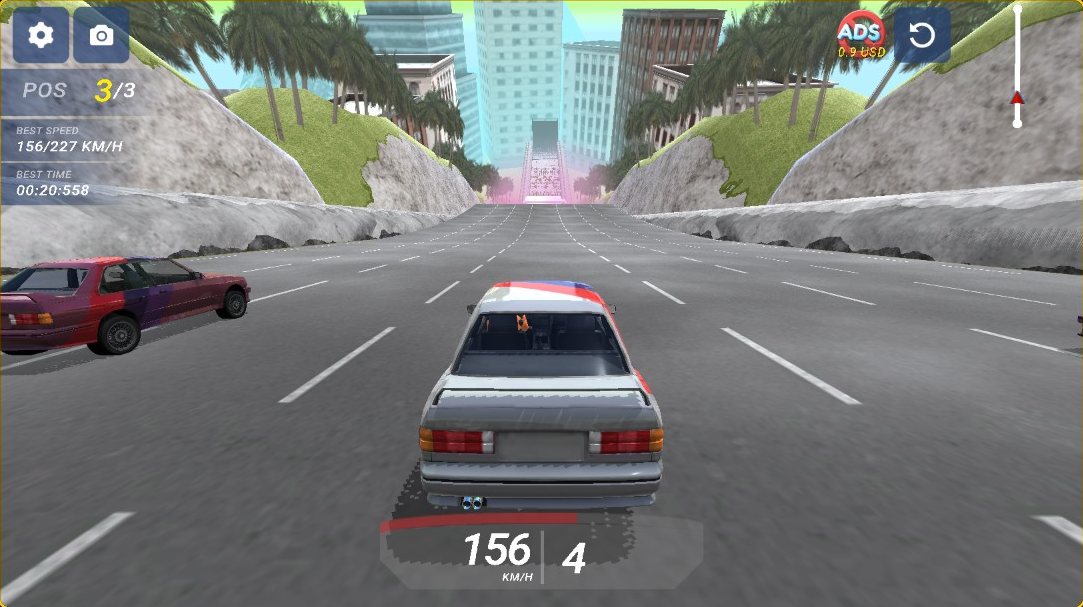
Deadly Descent is a 3D car game about getting to the bottom of a dangerous course fast without turning your car into scrap. Every level is a race against two rival cars: you floor it, steer around obstacles and traffic, and try to cross the finish line first with as little damage as possible. The game is built around destructible cars with realistic deformation, as its developer puts it, so every hit costs you.
Deadly Descent is made by AM Games (Andrey Melnikov) and has been out since September 2024. The version on this page is embedded from the official site, deadlydescent.net, so it is the same game, free to play in your browser with nothing to install.
How to play Deadly Descent
- Press Play. The game opens with a controls card: drive with W A S D or the arrow keys, and press C to change the camera. Click OK to start.
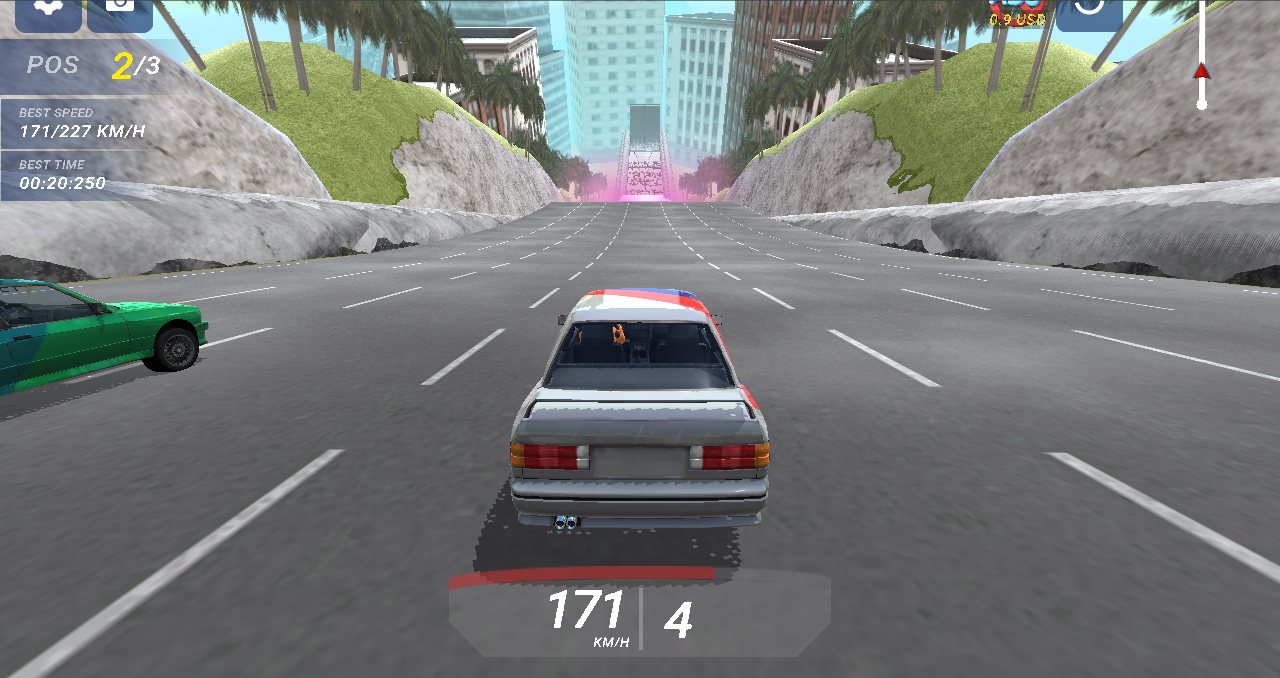
- Hold W or the up arrow to accelerate and steer around whatever is in your way. The speedometer at the bottom shows your speed and gear, and your race position sits in the top-left corner (1/3 means you're leading).
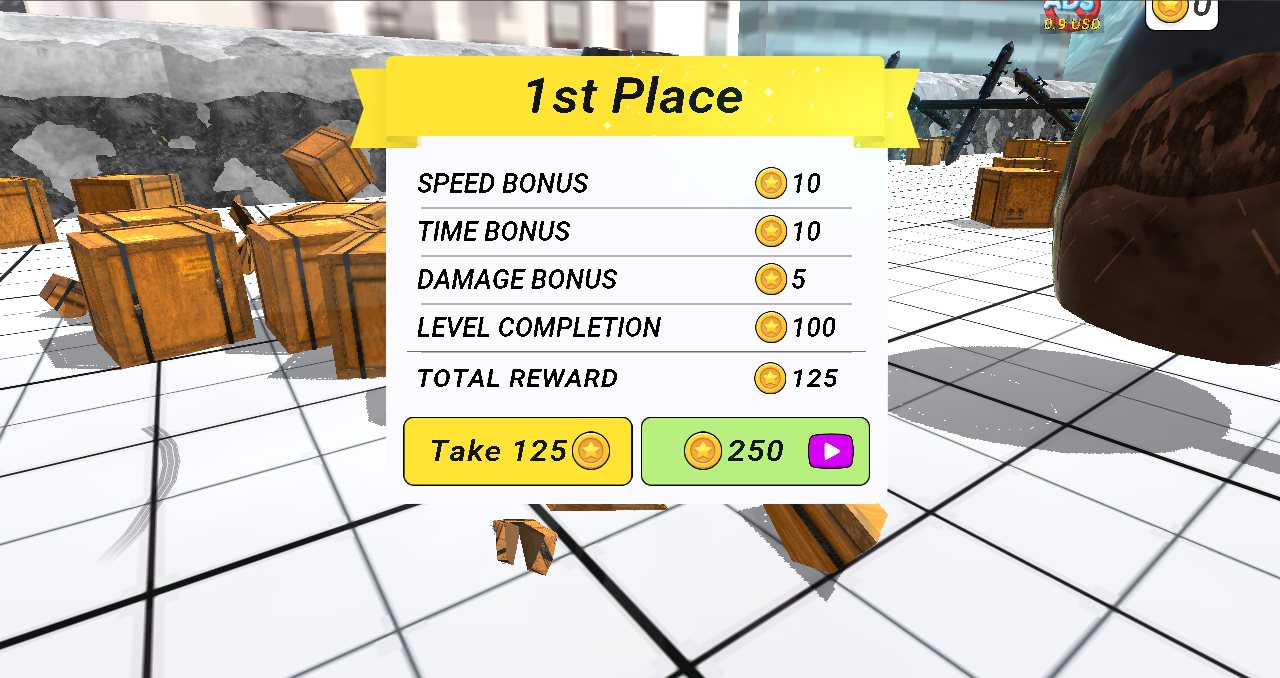
- Reach the finish. You're paid in coins: a level-completion reward plus speed, time and damage bonuses, so a fast, clean run earns the most.
- Check the leaderboard, then head to the garage to spend your coins and start the next level.
If your car is wrecked in the middle of a run, the developer's guide says to press the Finish button in the top-left corner to end the run and record your distance. During a race you can also restart with the button in the top-right corner.
Controls
- W / Up arrow: gas
- S / Down arrow: brake
- A and D / Left and Right arrows: steer
- C: change camera
- Phones and tablets: on-screen touch buttons, according to the developer; hold the phone sideways
Deadly Descent cars and upgrades
Coins you win in Deadly Descent go into the garage. There are 10 cars, from the Blitz3 you start with to models such as the Fury150, Pulse, Arion8, Vector MP and Aurora. Some unlock with coins, some by watching an ad, and a few are paid unlocks priced in US dollars.
Each car can also be upgraded. Engine and Control both start at level 1, and the first upgrade of each costs 500 coins, a fraction of the 5,000 coins the Fury150 asks for.
Tips for a clean Deadly Descent run
- Don't only chase speed. The finish reward includes a damage bonus, so a clean run pays more than a fast but battered one.
- Find your camera. Press C to cycle the views and keep the one that shows you the most road ahead.
- Upgrade before you shop for cars. Your first Engine and Control upgrades cost 500 coins each, while new cars start in the thousands.
- Restart instead of limping on. If a run goes wrong early, the restart button in the top-right corner gets you back to the start line right away.
Deadly Descent won't load? Try these fixes
Most loading problems come from the browser or the network, not from the game itself. Work down this list in order:
- Give the first load time. Deadly Descent is a large Unity game, and the first time you press Play your browser has to download all of it. On a slow connection that takes a while.
- Reload the page. A download that stalled halfway often finishes on the second try.
- Switch on graphics acceleration. The game needs WebGL. In Chrome, open Settings > System and turn on "Use graphics acceleration when available"; in Edge the same switch is under Settings > System and performance. Relaunch the browser, then open chrome://gpu (edge://gpu in Edge) and check that WebGL says "Hardware accelerated".
- Rule out extensions. Open this page in a private window, where most extensions are off. If the game loads there, an ad or content blocker is stopping the game frame, so allow this site in that extension.
- Free up memory. Close other heavy tabs and apps. On phones and older laptops, a big 3D game can fail to start when memory runs short.
- Compare with the official site. Open deadlydescent.net. If the game doesn't load there either, the problem is on your device, browser or network. If it works there but not here, tell us in the comments.
- Check the network. Some school and work networks block game frames. Whether the game gets through is up to whoever runs the network, and nothing on this page can change that.
Deadly Descent on Steam is a different game
There is a game called Deadly Descent on Steam, but it isn't this one: its store page describes a co-op horror looting game. Searches for the name also turn up a 2013 TV film about the abominable snowman and an old Minecraft minigame plugin. The downhill car game on this page is the one by AM Games, available in the browser and as an Android app.